BlackHole Music v1.15.10 (New Unlimited Feature)
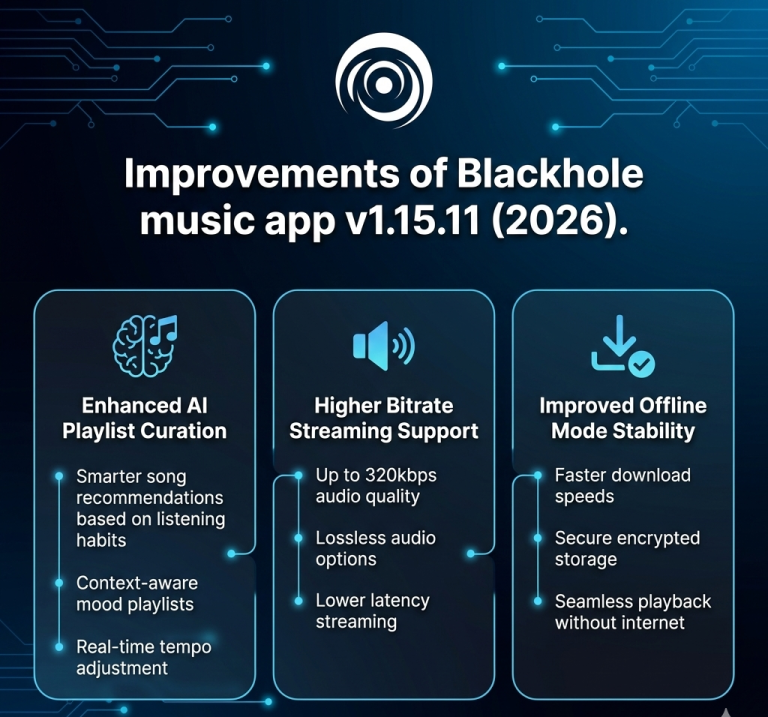
BlackHole music v1.15.10 release is a significant milestone in the development of the app. The choice to update is specifically designed to close down the gap between operating systems, Android, iOS, and macOS, and significantly enhance the engine that processes the outside streaming information.
High-Performance Media Downloader
The download engine has been brought to the ground with a full revamping to be reliable and fast particularly with content sourced by YouTube.
- Speed Optimization: It increased the multi-threading protocols to address the issue of slow YouTube downloads and enabled it to save the content almost instantly.
- Audio Fidelity: Resolved a severe bug in that the system would revert to low-quality streams when the user set the High-Quality (320kbps) settings.
- Data Corruption Guard: iOS users can get their JioSaavn downloads corrupted but the fix in question makes sure that the files can be played and are of the high quality.
Other Platform Importation
Streaming giant to BlackHole music migration has never been as fluid:Blackhole music v1.15.10 has resolved the problem with the handshake between various API services.
- Support support universal playlists: Defective import protocols in YouTube and spotify Public playlists are repaired.
- JioSaavn Playback: JioSaavn Playlists that did not boot up before are now fully operational.
- Metadata Accuracy: Added more accuracy to the filtering logic in order to ensure that irrelevant or junk songs are not dragged in during importing.
Search Refinement Queue Logic Refinement
The in-app search engine in playlists and the queue of what to listen to are also re-tuned to enhance navigation.
- Keyboard Management: The search keyboard can properly dismiss now when a suggestion is chosen and it does not clutter the screen.
- In-Playlist Navigation: Fixed the problem with the missing Delete Button and the background color during search in particular playlists.
IOS / MacOS Particular Optimizations
The version BlackHole music v1.15.10 is the version that brings the Apple ecosystem a step closer to matching the Android build on features.
- iOS System Fixes: Fixed the invisible file file that was not showing downloads and local music in the library.
- MacOS File Organization: Replaced macOS directory logic to guarantee that downloads, databases and caches are stored in the organized and standard files.
- Cloud & Backup: The Backup and Restore issue on iOS was resolved to enable the user to transfer their libraries across the Apple devices safely.
iOS troubleshooting guide to BlackHole music v1.15.10
The Blackhole music v1.15.10 update is causing so much change in the Apple ecosystem, but this nature of iOS/iPadOS is sometimes the cause of friction in the permissions. Depending on the local files, downloads, and backups, this guide will help solve the most frequently encountered problems.
Problem:
Go to Settings > Downloads.
- Make sure that you set the Download Location to a folder in the On My iPhone directory and not a folder synced to the cloud (which may cause lag).
- Close the app to bring about a Library Rescan.
- iOS Settings Privacy and Security Files and Folders make sure BlackHole has full access is switched to the “On” position.
Problem: Backup and Restore Not Working on iOS
iOS tends to isolate (sandbox) the data in apps, so that the app will not be able to access your .json backup file.
The Fix:
- When exporting a backup, choose “Save to Files” instead of sharing it directly to another app.
- The backup file should be moved into Blackhole root folder in Files application when restoring.
- When the file is greyed, make sure that it has an extension of strictly.json (iOS will sometimes automatically add .txt at the end of the file name, in this case change the file to remove it).
Conclusion
You are not only getting a music player, you are getting a sophisticated, safe digital ecosystem with the new high-fidelity syncing, high-end OLED themes and built-in spam protection.